Back in January, I was on a workation in Patagonia with my friend Matthew Kay. We got talking about my ideas for AI matching, and how frustrating it was to have so much I wanted to try while development moved more slowly than I’d like.
“Dude, why don’t you just build it yourself with Claude Code?” he asked. My response was pretty much, “What are you talking about? I’m not a developer.” He told me to just try it.
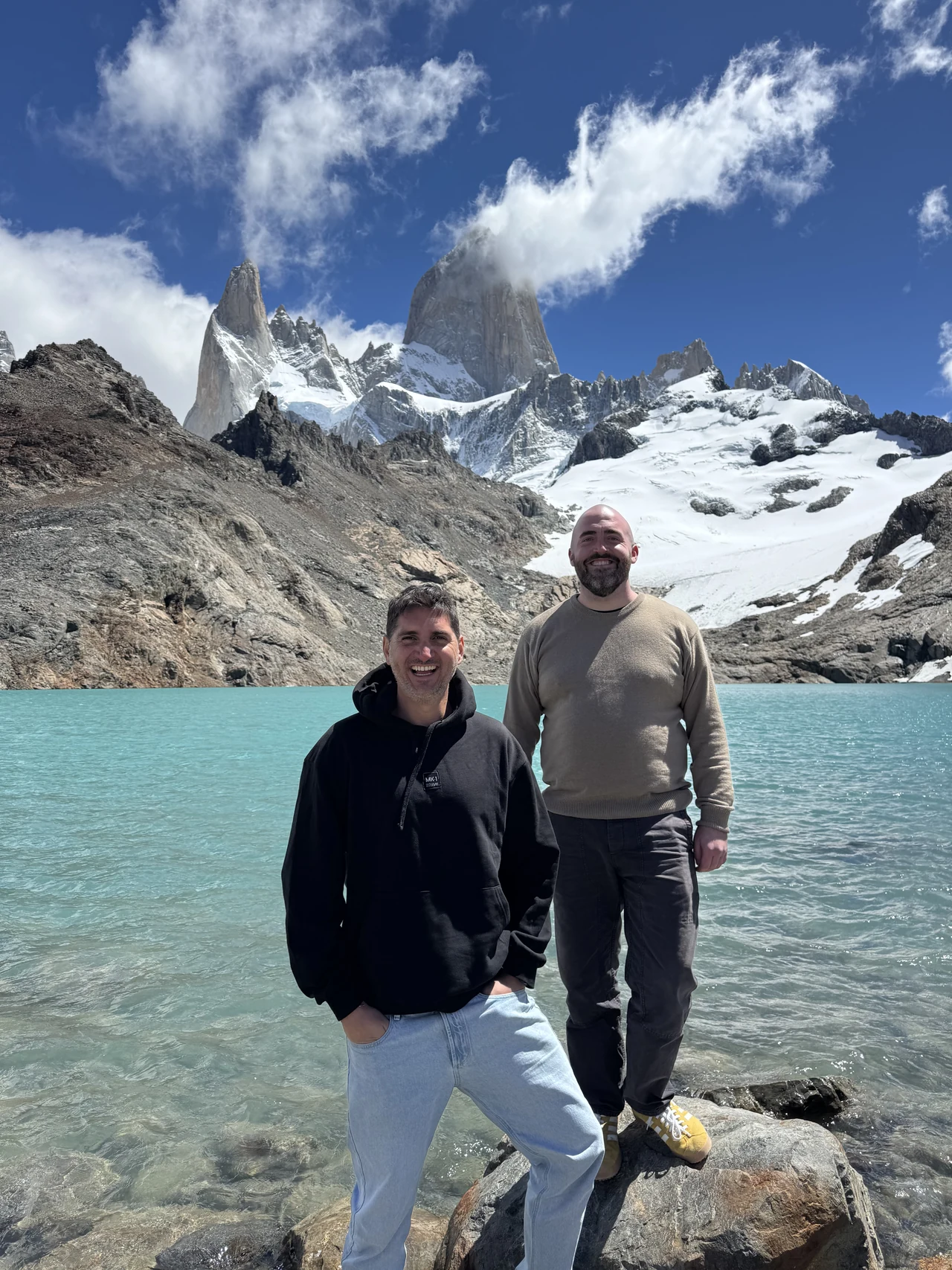
So I did, slowly at first, with plenty of peer review and a lot of learning along the way. Now I’m doing the coding myself. Ideas that used to mean finding someone to build them are things I can sit down and work on directly.
I’ve written the full story here. But there’s another part of the story I want to share, because it explains two new pages on GrowthMentor: What’s New and What’s Next.
Getting absorbed in the next thing
I love being able to work like this. I’m also discovering how easy it is to go straight from “I could build this” to building it, without stopping to ask whether it’s what anyone actually needs.
I’ve been guilty of that. I get absorbed in what I’m making and forget to lift my head up and talk to the people around me. Which is a little ironic when a conversation with Matthew is what got me started in the first place.
There were two things I needed to do: show you what I’d already been working on, and hear from you before choosing the next round. Both had been getting pushed aside while I kept building.
A place to see what’s changed
The What’s New page brings the useful updates together, with walkthroughs, illustrations and the thinking behind them. We launched it with 13 stories from this year, covering changes you can use in your mentoring sessions and some of the work behind the scenes.
I wanted each update to explain what you can do with it. The chat improvements, for example, belong together: voice notes, replies, search, editing, reactions and GIFs all help you carry on a conversation. Making you read a separate announcement for every change would miss that.
Each story has its own public link, so you can read it without signing in or send it to someone else. Inside the app, the megaphone gives you a preview of the latest three updates. Its dot clears when you open the dropdown; moving your mouse over it doesn’t count. A new publication brings the dot back, while an edit to an old story doesn’t.
A few things to try on your next visit
If you haven’t explored the updates yet, start with the part of a mentoring conversation where you could use more help.
Explore the updates
01 Find a starting pointGrowth Roadmap Turn what’s going on into three focused topics for mentor conversations. 02 Find someone to talk toAI matching Get three mentor suggestions with an explanation of why each person could help. 03 Before and after the callSession prep & takeaways Bring questions into the call. Keep useful advice afterwards. 04 Carry on the conversationChat improvements Explain it in a voice note, reply to a message, or find that useful link again.When you’re unsure where to start, Growth Roadmap asks what’s going on and follows up with three questions. It puts together three focused topics, recommended mentors and a starting point for each call. If you already have a challenge in mind, AI matching gives you three suggestions and explains why each person could help.
Session prep gives you questions to bring into the conversation. Afterwards, takeaways from your recorded session let you keep the advice you want to act on. And the chat updates make the follow-up easier, whether you need to explain something out loud or find a link your mentor shared.
There are stories about the business, too, including why Jessica and I replaced live chat with our own email support tool, and what happened when we finally said goodbye to WordPress.
Why the What’s Next board is empty
When I gathered up my ideas from the last few months, I ended up with 53 for mentees and 32 for mentors. Looking at all 85 was overwhelming. Turning that inventory into proposals would have given me another large project before I’d even heard what you wanted.
We’d already prepared 15 proposals for the roadmap. I decided to clear them all, including Mentor Live. The ideas are still there for me to revisit, but I wanted to hear what was missing from your experience before asking you to react to mine.
So What’s Next currently says “Nothing on the board yet.” There’s one question, “What would make GrowthMentor better?”, and a button to send a feature request. Mentees and mentors can both contribute. A few sentences is plenty.
How we’ll choose what comes next
Tell me what gets in the way
You don’t need to design a feature for me. Tell me what you were trying to do, where you got stuck, or what you keep working around. That gives me something concrete to think through with you.
I’ll read the requests, compare them with the ideas I’ve been collecting, and bring a shortlist back to the community for discussion and voting. Sending a request doesn’t put it straight onto a public board or commit us to building it. It helps me understand what would actually be useful.
I intend to use GrowthMentor more myself, too. Having someone to question my assumptions and help me see what I’ve missed is as useful to me now as it was in Patagonia. Being able to build something doesn’t mean I’ve thought it through.
If something’s missing, or a task takes far too many steps, send me a feature request. I’m looking forward to hearing what’s on your mind.
Foti
Keep reading
More from the GrowthMentor blog
Product Updates · Oct 29, 2026
GrowthMentor now has an MCP server. Your mentor calls, inside Claude Code, Codex and Cursor.
Foti Panagiotakopoulos
Marketing · Oct 06, 2026
Can you do the product marketing job? Three calls to find out
Foti Panagiotakopoulos
AI · Oct 03, 2026
The best vibe coding tools for founders. And where each one breaks.
Foti Panagiotakopoulos
Startups · Oct 01, 2026
The 57 Best Startup Incubators in the World, Sorted by Country (2026)
Foti Panagiotakopoulos