Chat just got a lot better

A good mentoring conversation rarely ends when the call does. There’s a follow-up question, an idea you want to talk through, or a win you’ve been waiting to share. We’ve made a big round of improvements to chat, so those conversations are easier to carry on inside GrowthMentor.
Some things are easier to say out loud
You’ve tried writing the same message three times, and it still doesn’t quite explain what you mean. Now you can record a voice note and send it directly in chat. Talk through an idea, explain the thinking behind a decision, or leave feedback in your own words. Your mentor or mentee can listen when they’re ready, right inside the conversation.
Keep replies connected
A conversation can cover your landing page, your next hire, and a question about pricing before anyone has had a chance to answer. Reply to a specific message and the original appears alongside your response, so everyone knows which point you’re picking up. You can also jump back to that original message when you need to read what came before it.
Find that advice again
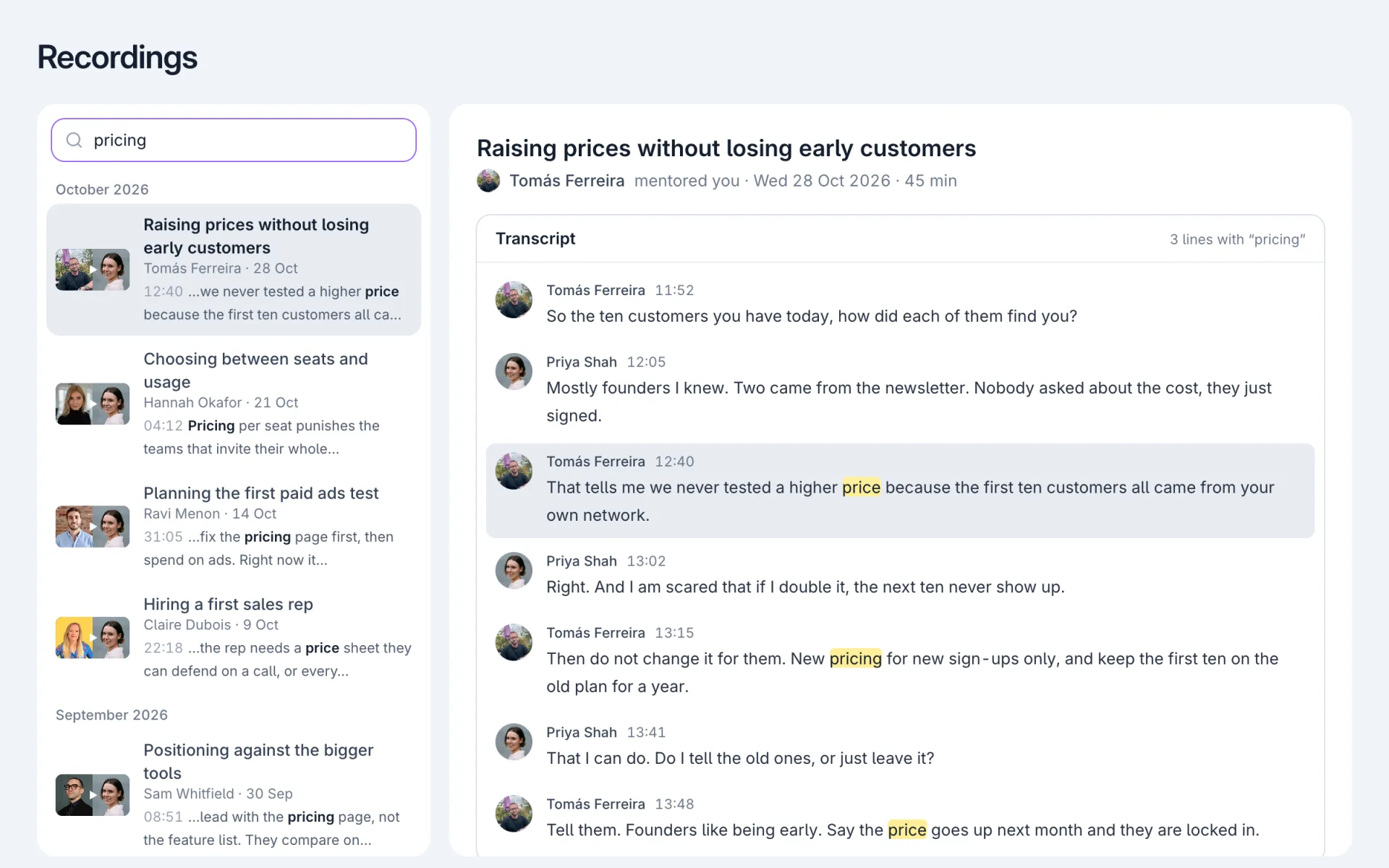
When you remember your mentor sharing a useful link a few weeks ago, you can now search the conversation without scrolling through everything you’ve discussed since. Matching words are highlighted, and choosing a result takes you straight back to the message, whether you’re looking for a recommendation, some feedback or that resource you meant to save.
Before changing your pricing, ask the last five customers what almost stopped them buying.
Here’s the new pricing page we talked about. Would love your thoughts before we launch it.
Sometimes, a GIF says it best
When you land a customer, launch something you’ve been working on or finally try the advice from your last session, it’s nice to share the moment with someone who’s been following along. You can now browse or search for a GIF in the message composer and send it straight into the conversation, whether you’re celebrating a win or saying thanks.




There are smaller improvements throughout, too. Edit a message after sending it, react with an emoji, and write longer follow-ups with your paragraph breaks intact. It all adds up to a chat experience that’s easier to use, whether you’re preparing for your first call or continuing a conversation months later.
Carry on the conversation. Open your messages