How we replaced Drip and Segment with our own email system
A look inside the playground where we design our emails, work through the flows, and decide what should happen next.
Our own system.
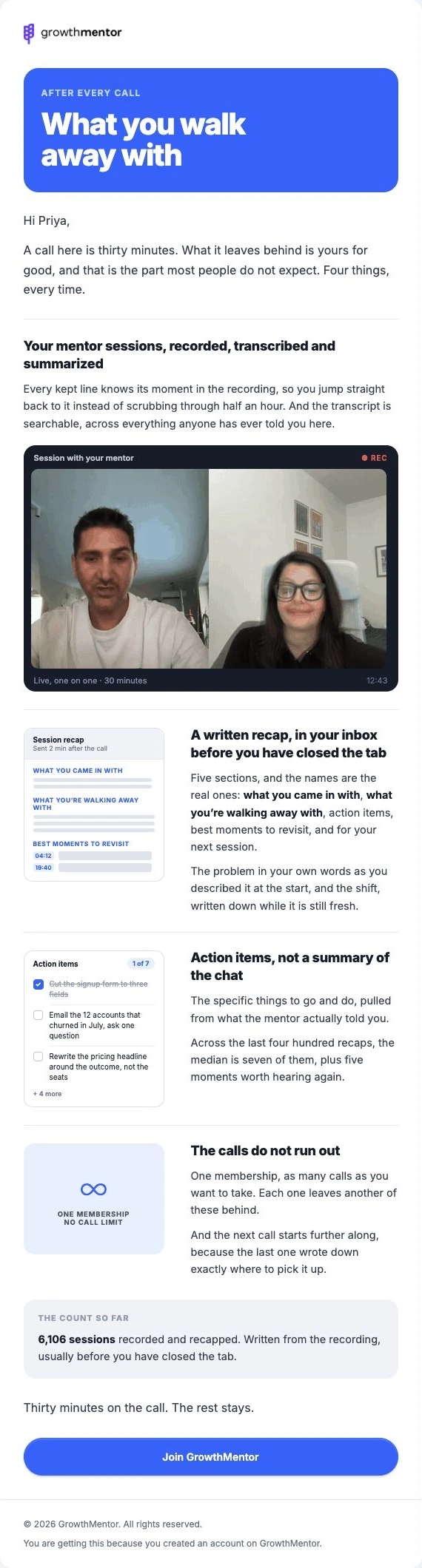
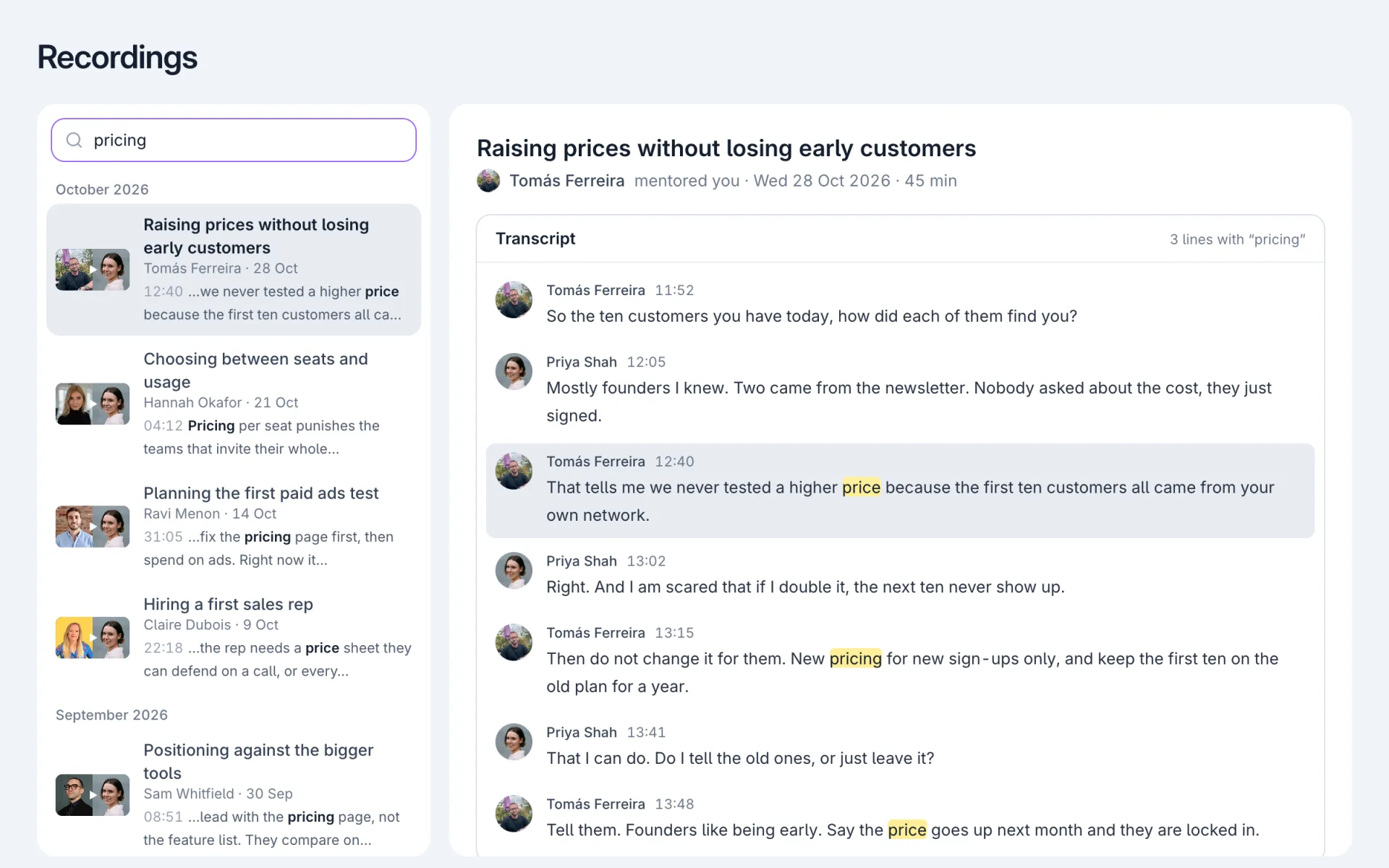
We used to pay around $800 a month for an email setup where Segment passed information from GrowthMentor to Drip, which then used it to trigger our emails. Our application already knew who had booked a call, connected their calendar, or cancelled their membership, but we were paying a middleman to carry that information to another tool.
What bothered me most was that Drip charged by subscriber. We were paying to keep people on the list who had cancelled or never become members, even when we weren’t sending them anything.
So we cancelled Drip and Segment and built the automation directly into GrowthMentor. Postmark now delivers both our transactional and lifecycle emails for around $20 a month, with the bill based on how much we send rather than how many contacts we have.
The information was already here
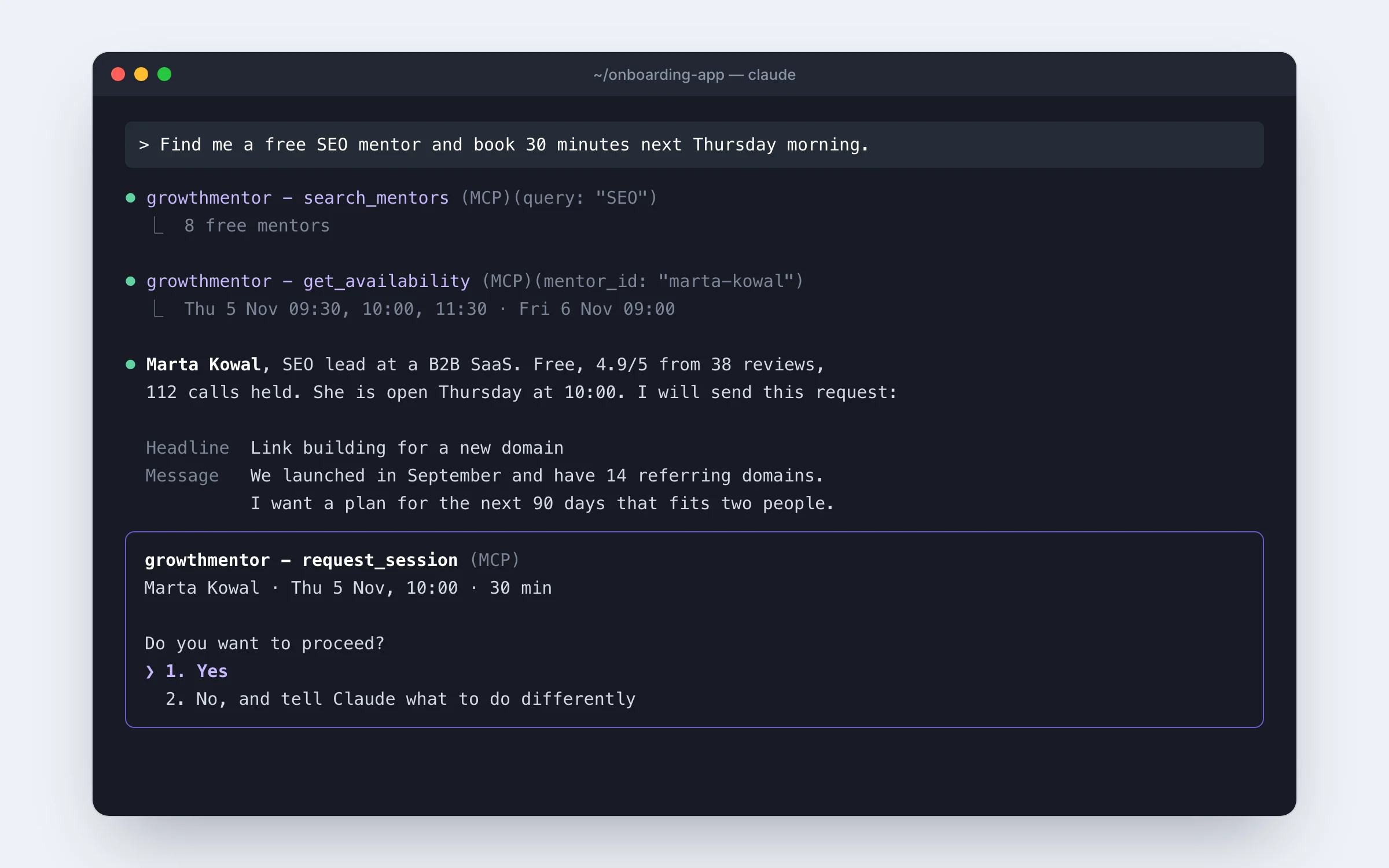
GrowthMentor now checks its own records to decide when a message should go out, and Postmark handles delivery. Booking confirmations and password resets go through the same delivery service, while marketing preferences still apply separately to lifecycle emails.
Paying for contacts, even when we weren’t emailing them.
Our application runs the flows. We pay for email volume.
A playground to work it all out
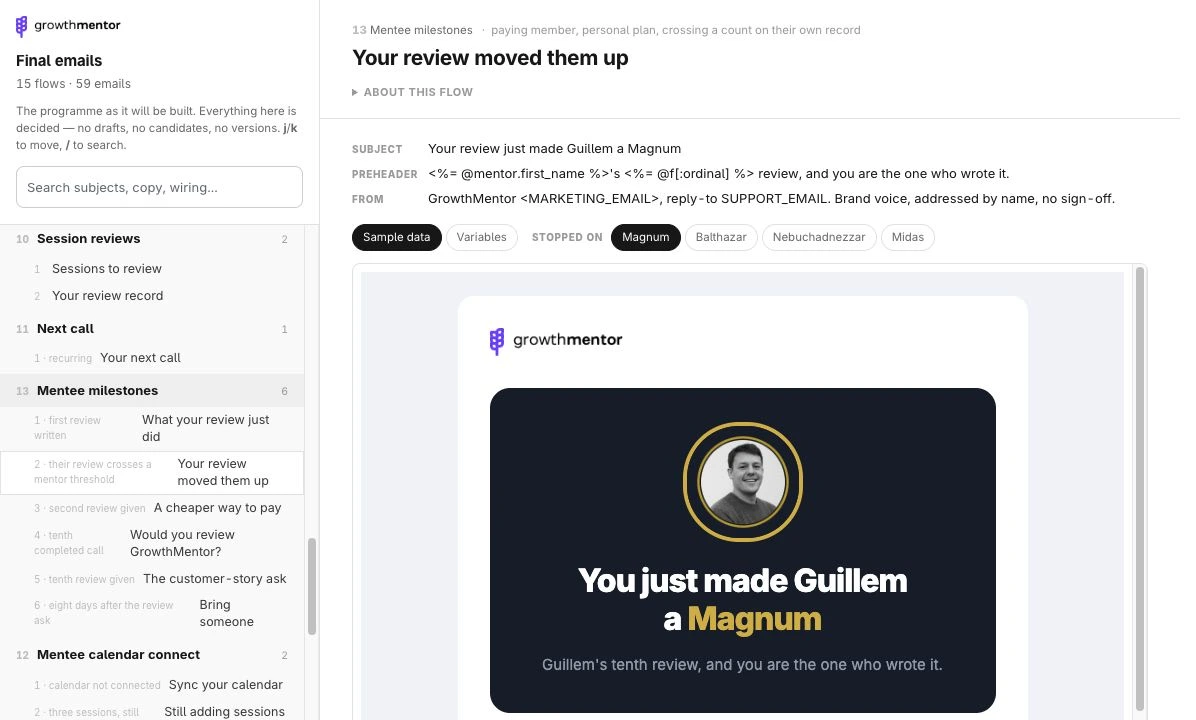
I built a workspace where I could look at the emails alongside the rules behind them. It lets me move between flows, read each message, and preview different situations before connecting it to the application.
The library has grown to 15 flows and 59 emails to work through. Having the copy, design, and sending conditions together makes it much easier to spot what’s missing.
- 1The whole programme
Flows grouped by the part of the member or mentor journey they support.
- 2The finished email
Read the copy and see the design together as you work through each message.
- 3Different situations
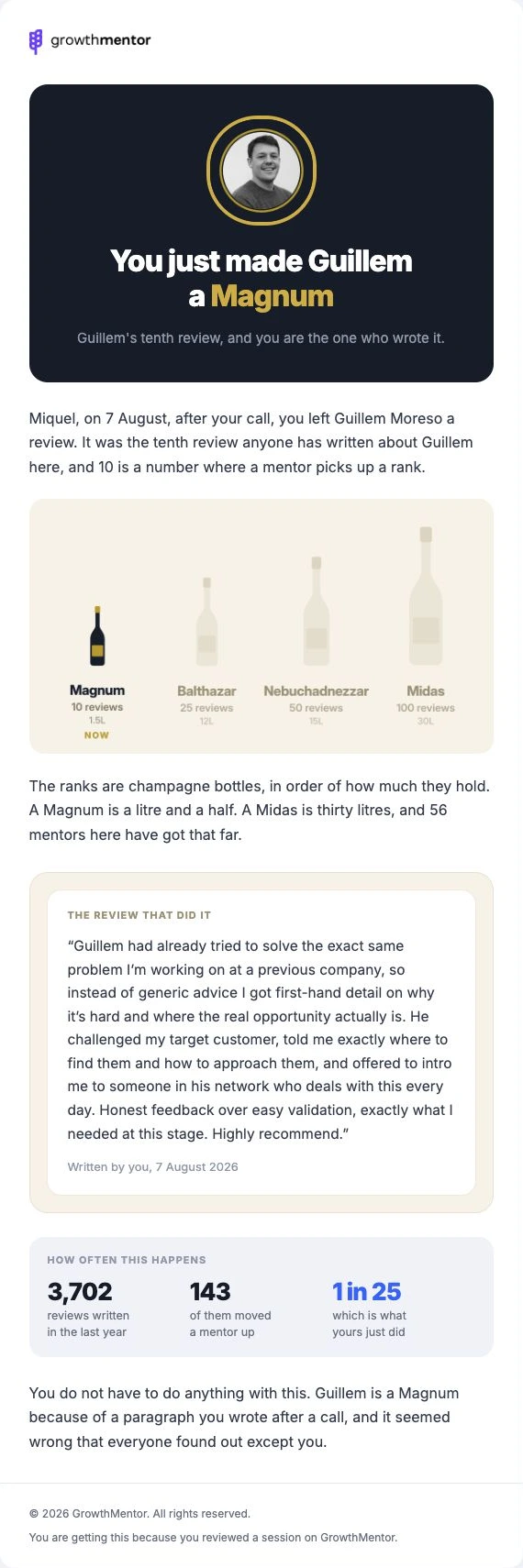
Preview how the same template changes for each mentor rank.
Each email has a different job
Some explain what you get from a membership, some offer help from Jessica, and others recognise something you’ve contributed. I wanted the design and the writing to reflect why each message was being sent.
Knowing when to stop sending
What happens between emails matters as much as the sequence itself: finishing your profile should skip that reminder, while booking a call should stop the remaining first-call emails. You can try both situations below and open each message to see how the flow works.
Other flows work from individual events: connecting your calendar stops its reminders, while a review that moves a mentor up a rank triggers a message celebrating it.
From joining to the first call
- ↓ 1 day later
- ↓ 3 days later
- ↓ 3 days later
- ↓ 4 days later
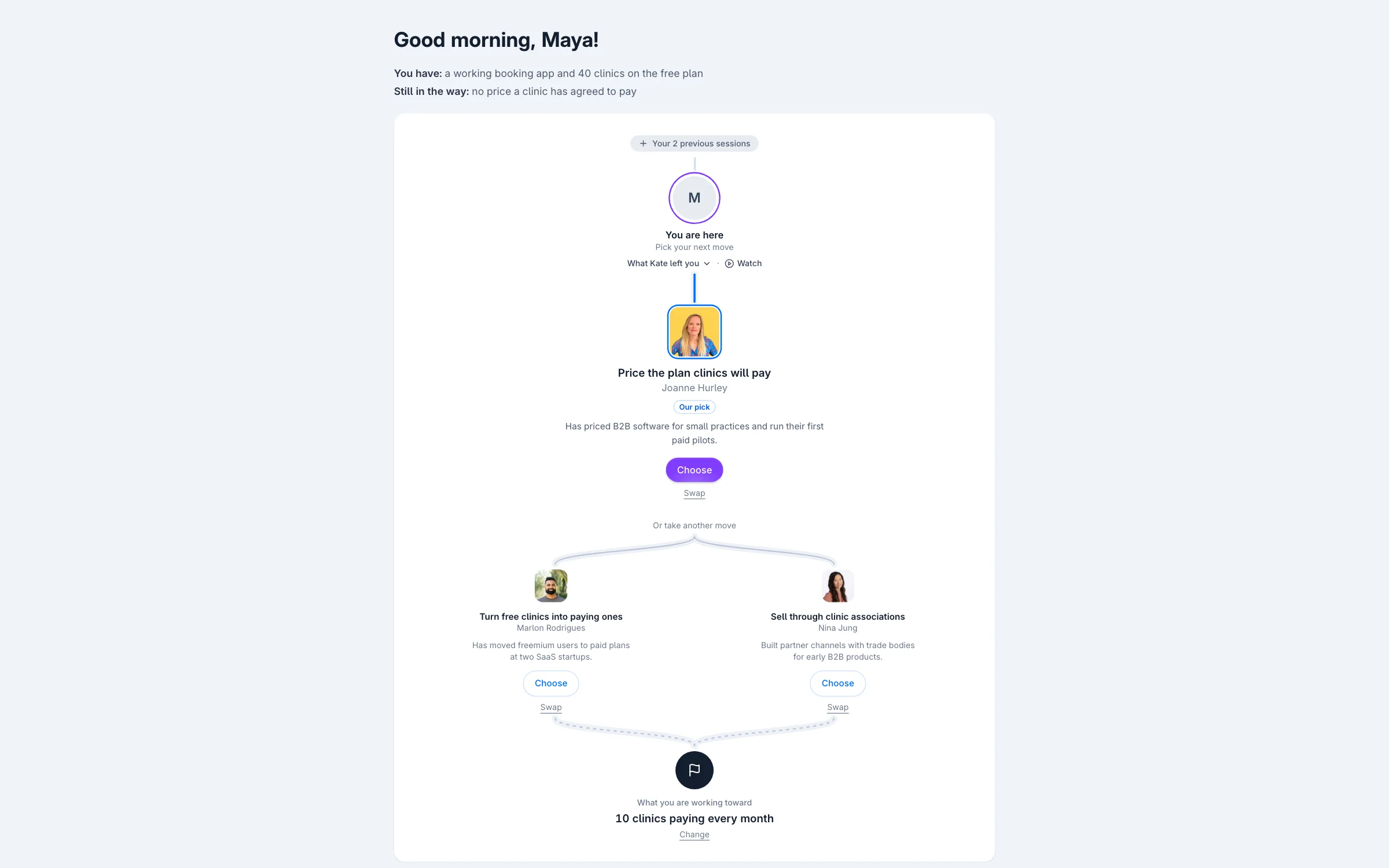
Your growth concierge
Jessica offers help choosing who to talk to and asks where to reach you.
Before each send, GrowthMentor checks whether the message still applies. A skipped profile reminder leaves the later steps in place.
First session request → calendar reminder.
Already connected? The reminder stops.
A review takes a mentor to the next rank.
The person who wrote it gets the milestone email.
Start with one journey you understand
Earlier this year, I didn’t think I could build any of this. Matthew Kay encouraged me to try coding with AI, and I started slowly, with plenty of peer review as I learned.
If you’re considering something similar, start with one journey in your own product. Write down who enters it, what each email should help them do, and what should stop the next message. Those are decisions you can work through before writing any code.
From there, use AI to help build a preview, check different scenarios, and get the sending logic reviewed. Working through one flow gives you something concrete to learn from before you take on the next.
For us, that process removed two subscriptions and brought the emails much closer to the product. I can now change the experience and the messages around it together.
Foti
How I started building. The conversation with Matthew