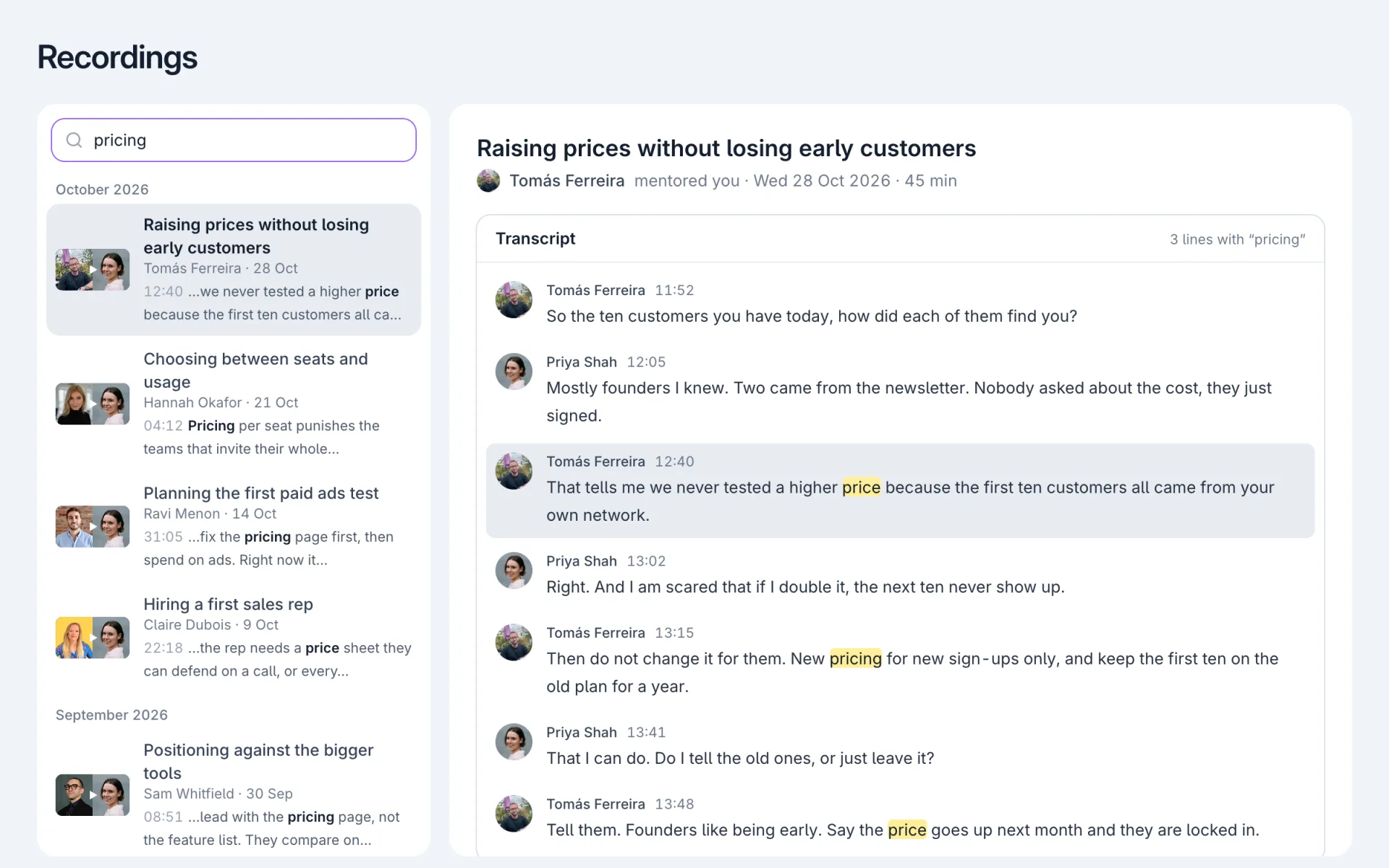
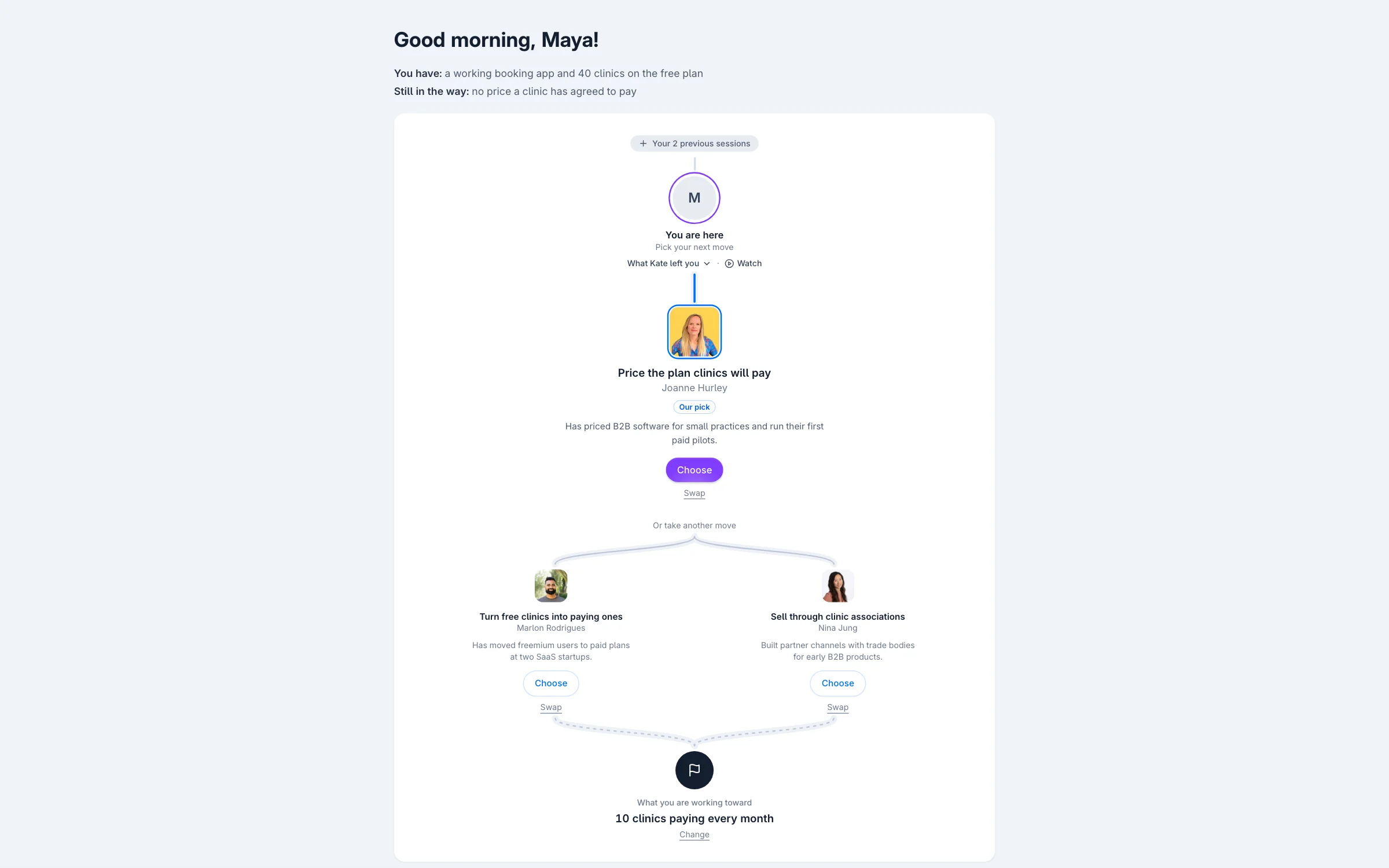
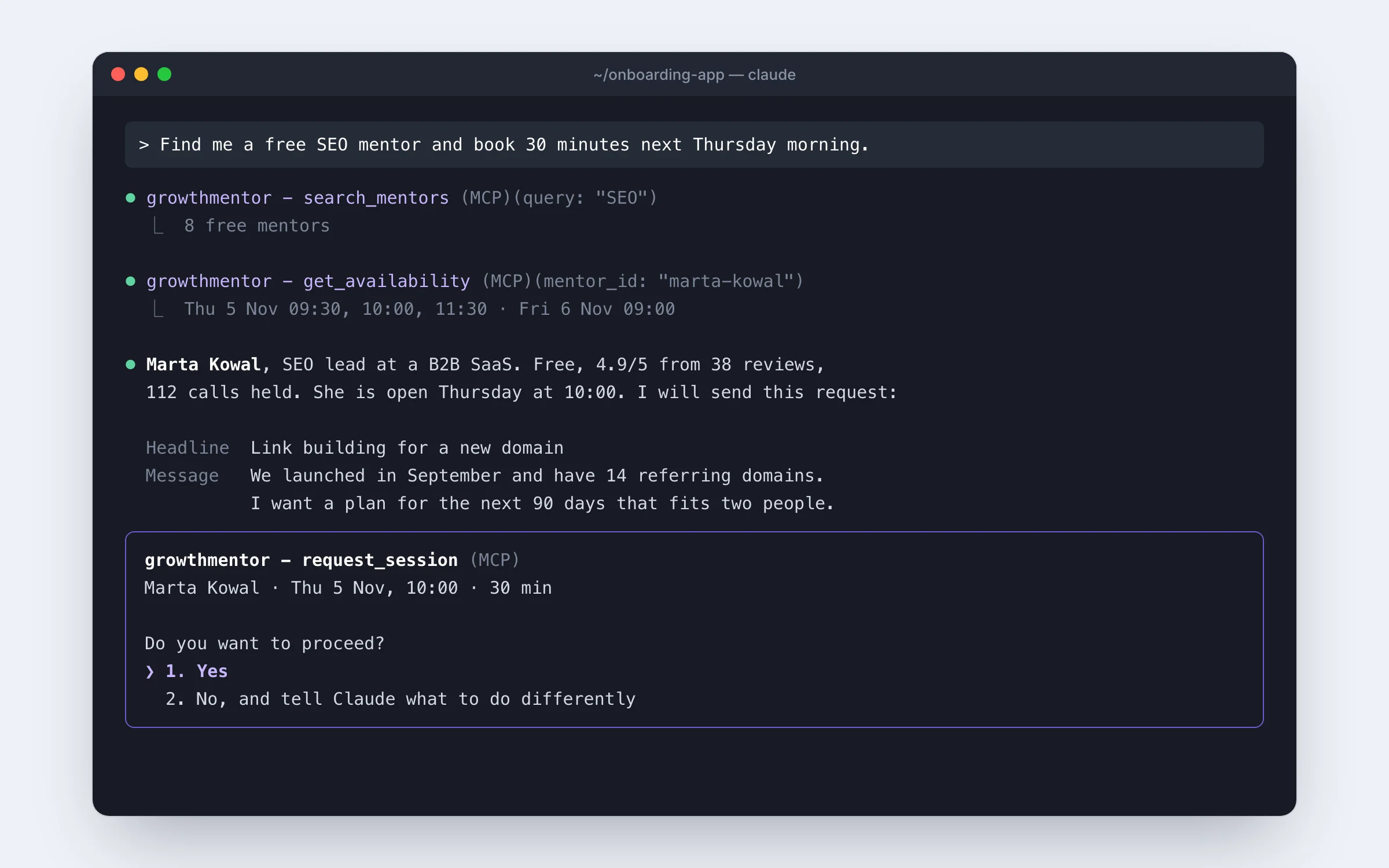
Start a group chat with people from your calls
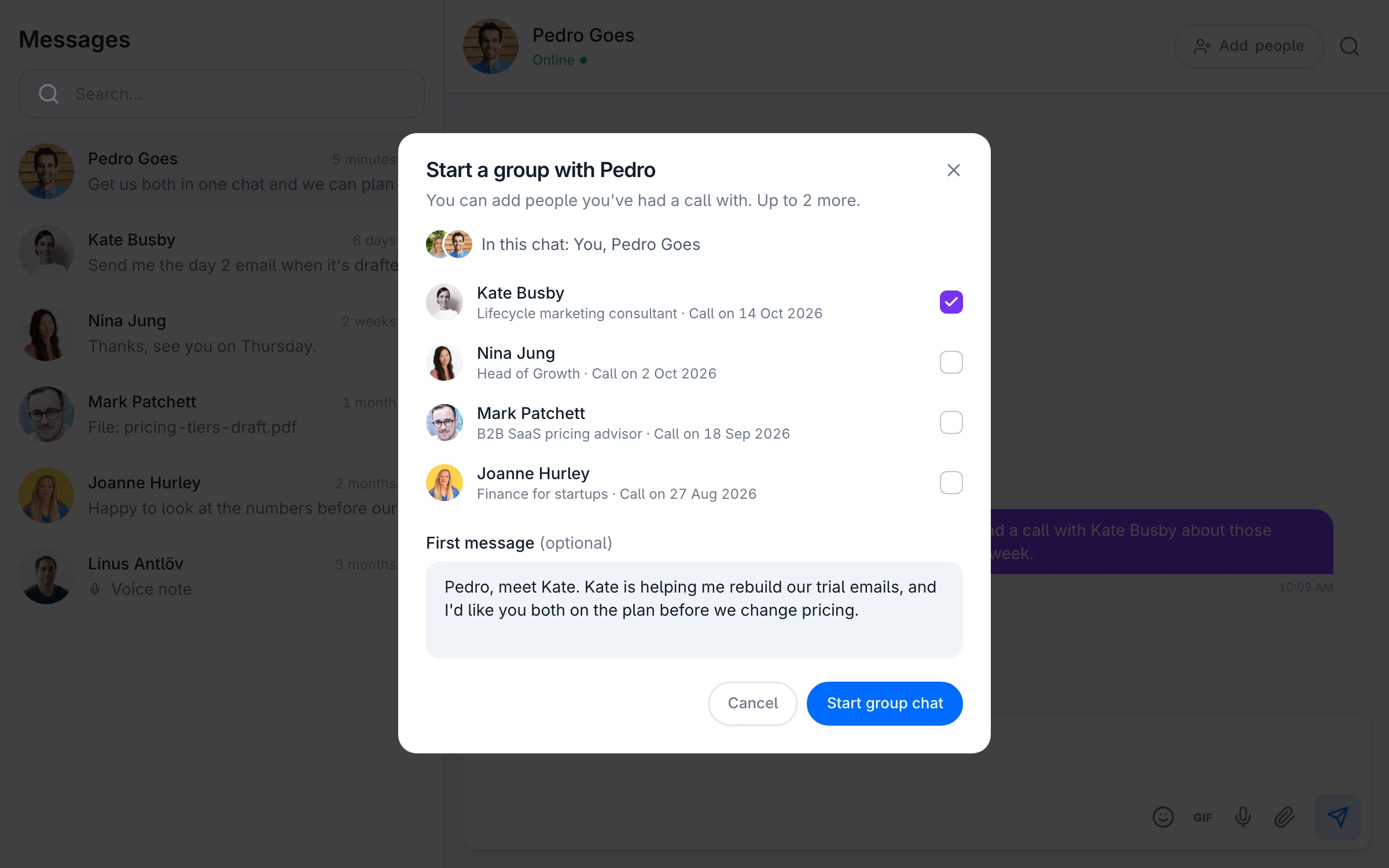
In a 1:1 chat, press Add people. The list shows only people you've had a call with.
Pick up to three, add an optional first message and press Start group chat. A grey line in the chat says who started it.
In the group:
- Add more people from your own calls
- Open People to see who's in it
- Leave chat to step out
The people you add get an email with your first message.
An intro used to be a profile link pasted into a chat. Then the two people had to find each other.
You can add only people you've had a call with, so no stranger can put you in a chat.
Make your next intro in one chat. Open your messages